The app your customers order from
Everything a subscriber needs, in your brand: today's menu, one-off orders and subscriptions, a prepaid wallet, a calendar to pause days, live tracking of the rider, support chat, rewards and referrals.
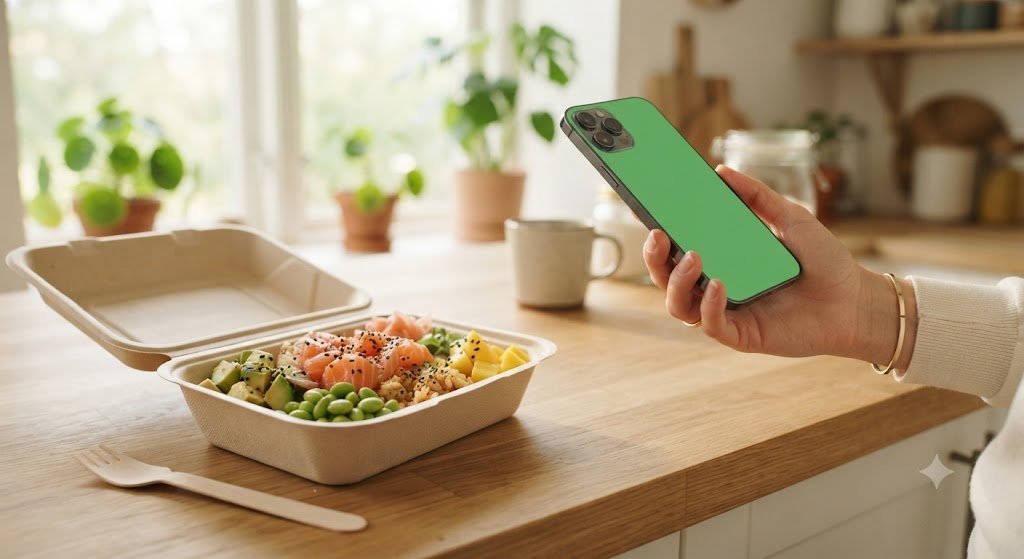
A tiffin ordering app lets customers see the menu, order or subscribe to meals, and pay without calling the kitchen. The TifTif customer app does this on the web, Android and iPhone, under your brand: customers sign in with their phone number, top up a wallet, subscribe or order, pause days, follow the rider live and raise support tickets.
- Platforms
- Web + Android + iPhone
- Sign-in
- Phone number
- Payment
- Prepaid wallet
- Branding
- Your name, logo, colours
Everything a subscriber does
Today's menu
The menu for the next meal and the day, updated from your planner automatically.
Order or subscribe
A single meal for a coming slot, or a subscription that places the order every day.
A live countdown
How long is left to order or change the next meal before its cutoff.
Wallet
Top up, see every transaction, get refunds and rewards straight back.
Pause calendar
A month view of every meal — tap a day to pause or resume it.
Live tracking
Follow the rider on a real road map with a live ETA, and call them if needed.
Support chat
Raise a ticket and chat with your team in real time.
Rewards and referrals
Points on every order, and a code to share with friends.
Notifications
Order confirmations, delivery updates, low-wallet alerts and replies from your team.
One app, on every phone
The customer app runs in any browser and installs to the home screen like an app, on Android and iPhone alike. The Android version is also published on Google Play under your name, so customers can find you in the store.
Both versions are the same app with the same account, so a customer can top up on the web and track the rider on their phone.
- Sign in with a phone number
- Installs from the browser, no store needed
- Your Android listing on Google Play
- Native iPhone app on the App Store — included in the international plan
Small things customers notice
Only where you deliver
Customers outside your service zones are told so, instead of ordering something you cannot bring.
Sign-out is per device
Signing out on one phone does not sign the customer out everywhere else.
Rate each delivery
Customers rate the food and the rider separately after delivery.
Four apps, one system
On this page
Do customers need to download anything?
No. They can use the web app in any browser and add it to their home screen. They can also install your app from Google Play or, with iPhone apps, the App Store.
How do customers sign in?
With their phone number and a one-time code — no password to remember.
Will the app show my brand or yours?
Yours. Your app name, logo and colours appear throughout, and the store apps are published under your own developer accounts.
Can customers order for tomorrow?
Yes. Once today's cutoff for a meal has passed, the app offers the next available slot.